Content testing is a UX research method that evaluates whether website or app content, such as copy, layout, and messaging, effectively communicates its intended purpose to users. Using a structured template to run content tests at multiple stages, from early concept through post-launch, helps teams catch confusing or ineffective content before it affects user engagement or conversion rates.

What is content testing?
In short, content testing is the evaluation of the effectiveness of all the content in a digital product to see how users interact with it. Conducting content testing can help you understand the following qualities of your content:
Readability
Usability
Accessibility
Searchability
Tone & voice

When should you use this template?
Content testing can help you at various stages of product development. Some stages where you can use it include:
During conceptualization, to validate your content and ensure that it resonates with your audience.
In between the design phase, to evaluate how well your content integrates with the overall UI and design elements.
After launch, as a part of your continuous testing process and to see how live users are engaging with your product.
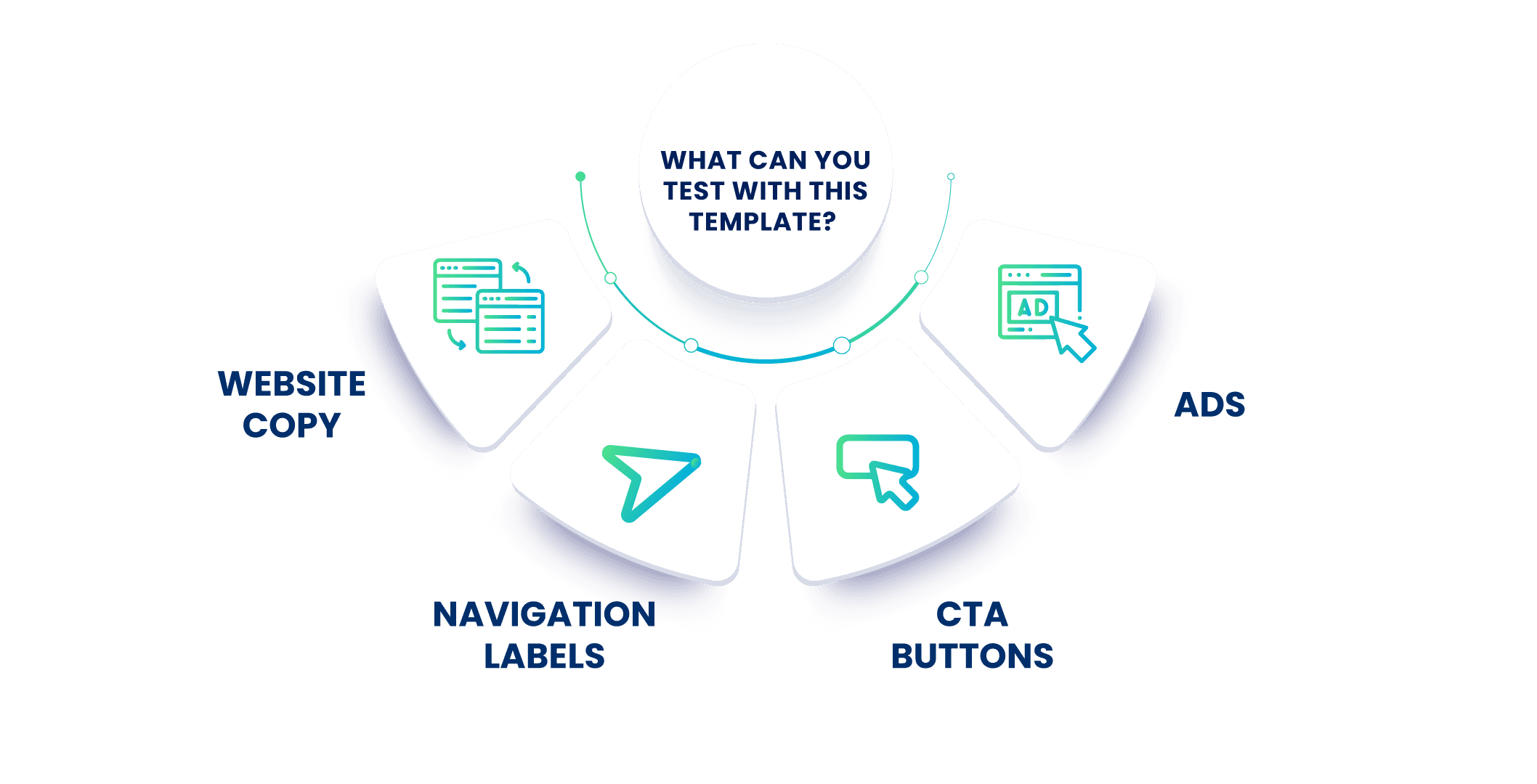
What can you expect to understand after conducting content testing?
Here are some questions you might get answered as you conduct content testing:
How engaging is my content? Do users feel compelled to interact with it?
Is the content relevant to the user's needs? Or is it off-topic and irrelevant?
How effective are my CTA buttons? Are they placed in the right manner?
Does my content support the visuals and vice versa?
Is my content accessible by ALL the users in my intended target audience?
What's in this template?
Here are the blocks you'll see when you use this template:
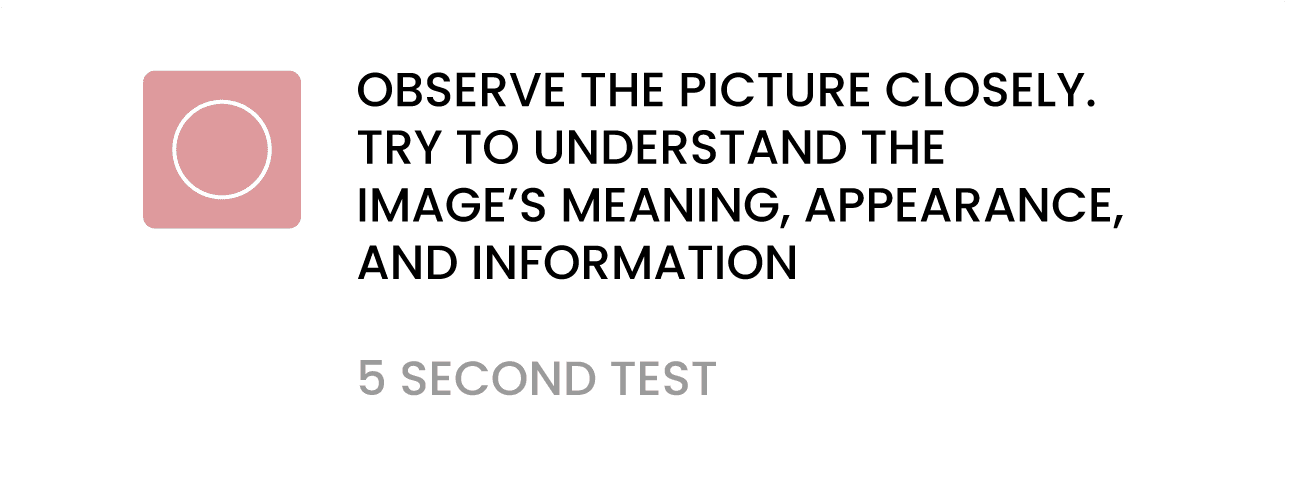


How to use this template
Log into Qatalyst—you will be taken to the dashboard.
From the dashboard, pick "Start From Templates"

Choose the template "Test content recall"
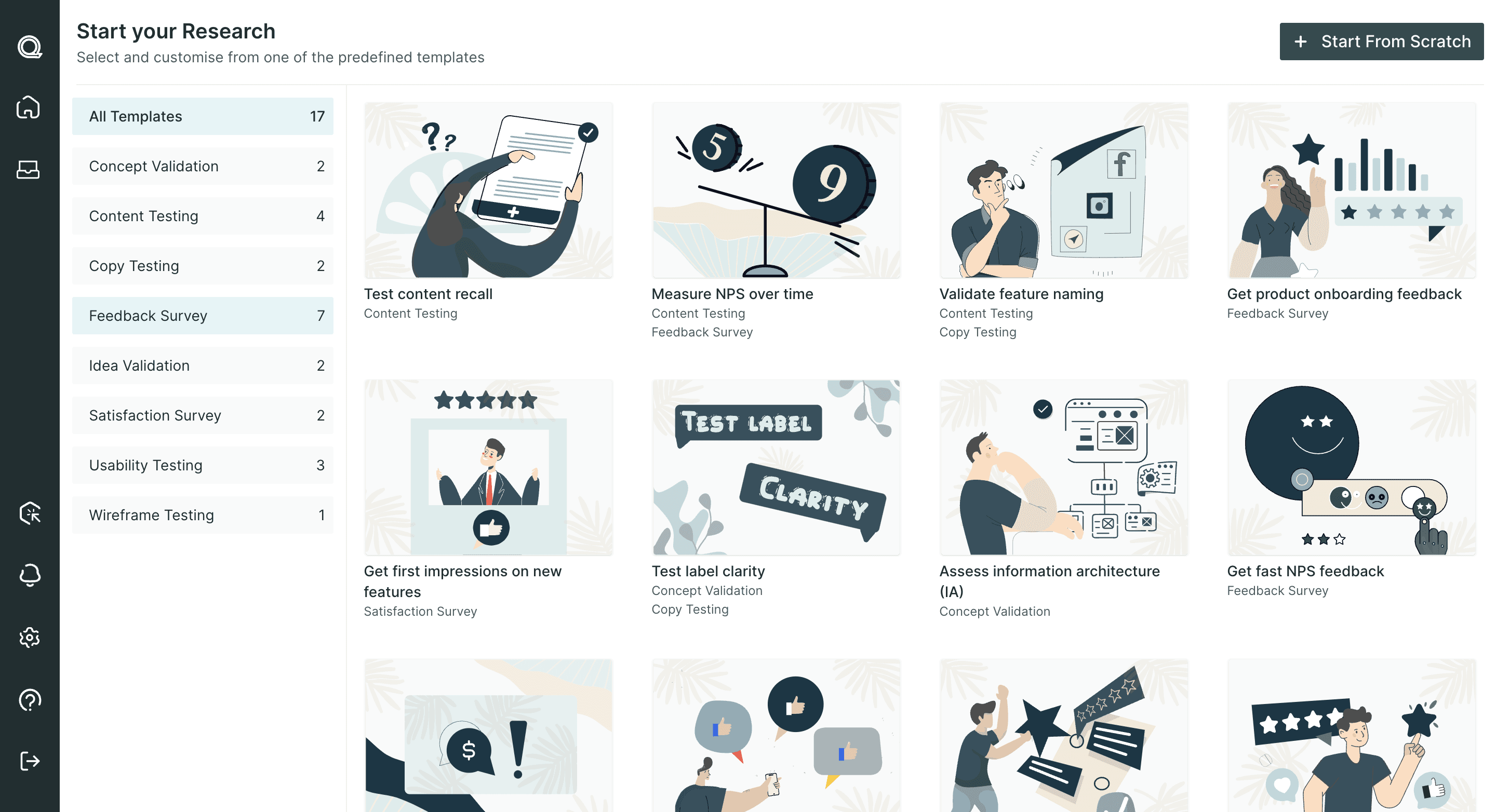
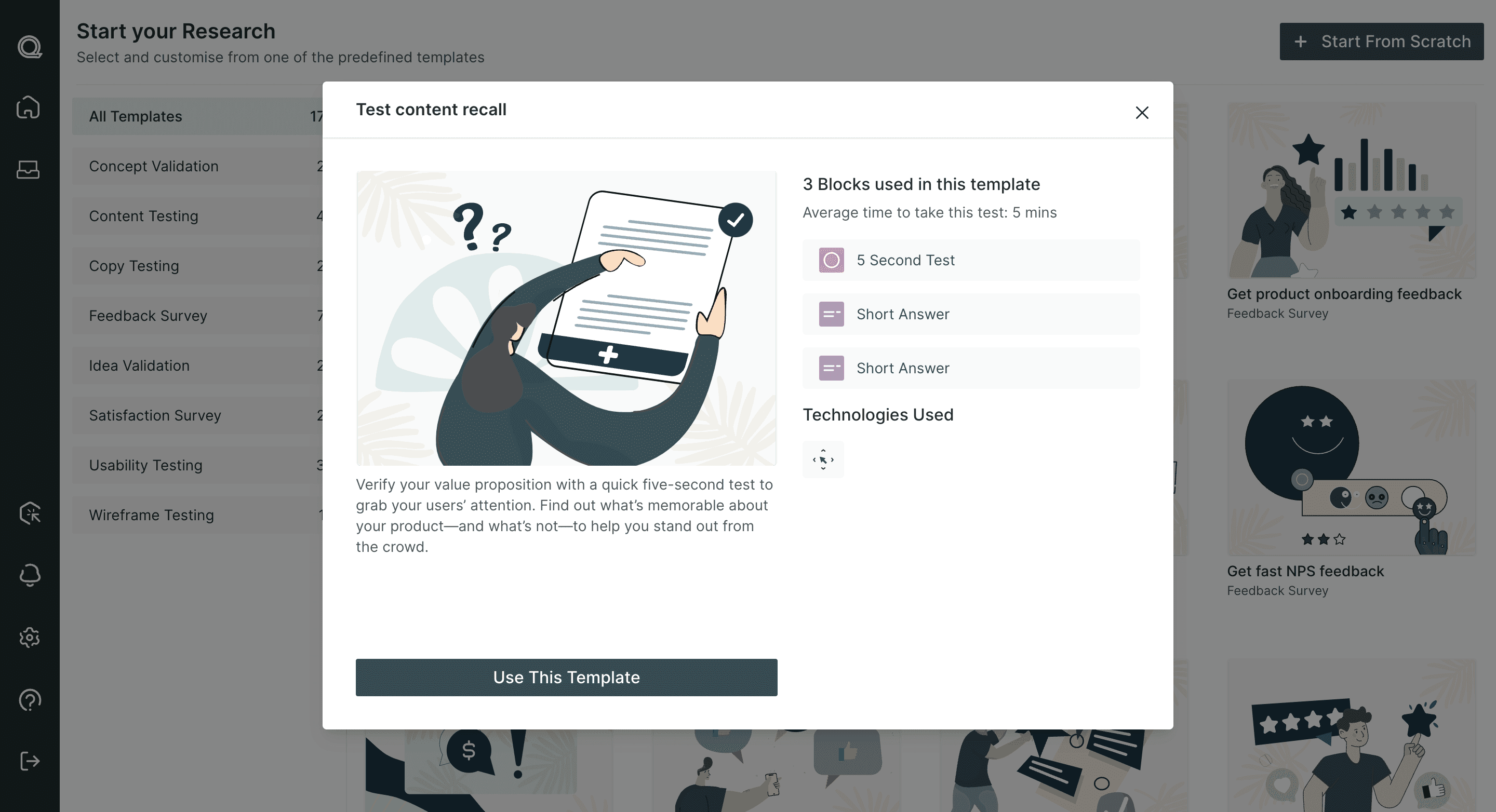
In the 5 second block, add your image (stimulus).
You can personalize this block to change the time limit (5, 10, 15 or 20 seconds) and choose from different technologies (Mouse Tracking, Eye Tracking, Facial Coding).
You can also tweak the questions to reflect your product more accurately—remember, they are just there as starting points!
If you feel that the blocks given are not enough, you can add both UX and/or question blocks to the same template to complete your study.
After you're finished setting up the test, just publish and share it with your respondents!
Frequently asked questions
1. What is content testing?
Content testing evaluates how well written or visual content like articles, ads, or marketing copy resonates with a target audience before it's published or used widely.
2. What should a content testing template include?
A good template includes clear testing objectives, target audience criteria, key questions assessing clarity and appeal, and a structure for comparing multiple content variations.
3. Why is content testing important before publishing?
It helps ensure content will effectively communicate its intended message and resonate with the audience, avoiding wasted effort on content that misses the mark.
4. What metrics are commonly used in content testing?
Common metrics include clarity, relevance, emotional resonance, and likelihood to share or act on the content.
5. How can businesses efficiently run content testing at scale?
Using standardized templates and online research platforms that allow quick deployment and comparison of content variations helps businesses test content efficiently at scale.
Related Topic: